


At NativOdds, we don't just build software, we share everything we learn along the way. Every week, our team of developers and designers publishes in-depth, practical articles covering AI development, full-stack web solutions, mobile app development, UI/UX design, cybersecurity, and the business side of tech. Whether you're a startup founder looking for the right tech partner, a developer leveling up your skills, or simply curious about the digital world you've found the right place. Explore our latest articles below and stay ahead of the curve.
Our Blog
Expert Articles on AI, Web Development & Digital Solutions
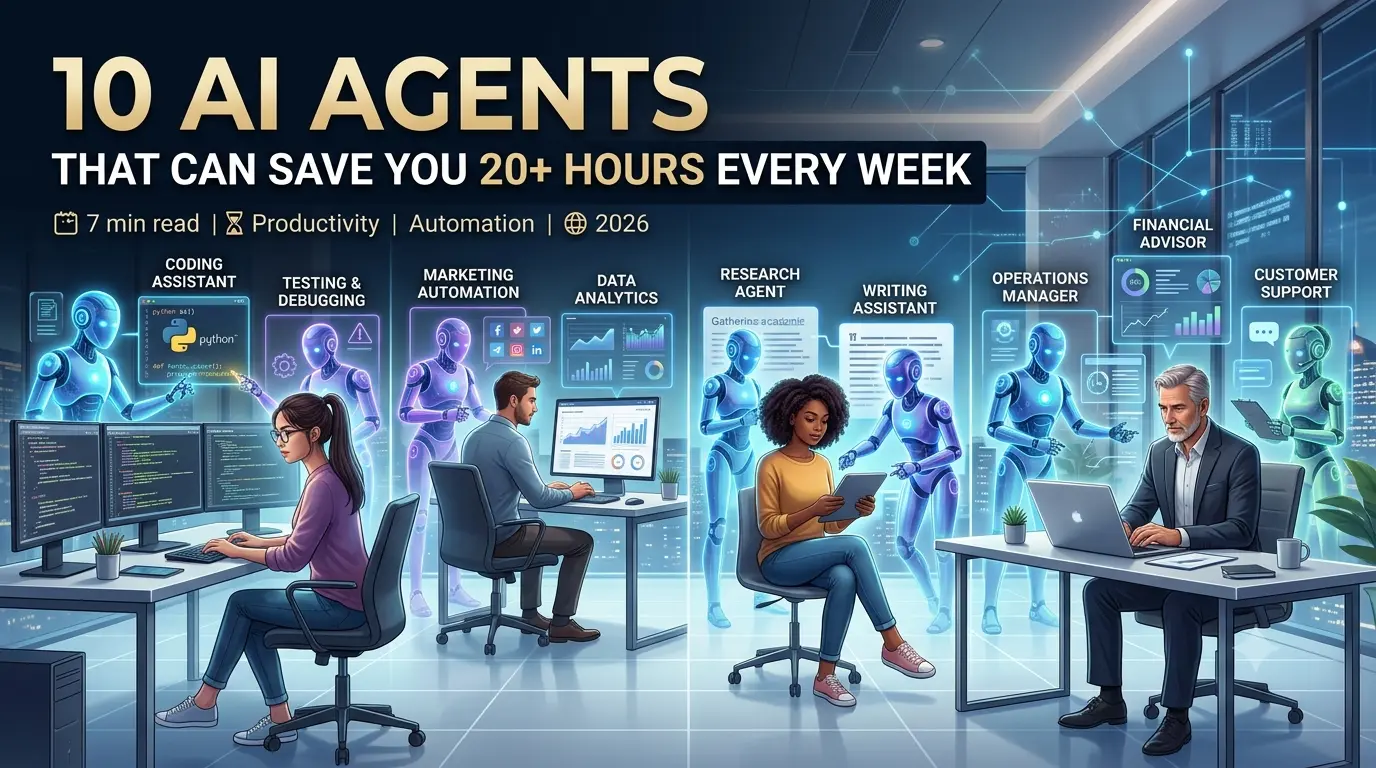
Artificial intelligence is no longer just a buzzword, it's actively reshaping how modern software is built, tested, and deployed. From GitHub Copilot to automated QA testing tools, AI is helping developers ship better products in less time. In this article, we explore the most impactful AI tools and what they mean for development teams in Pakistan and globally.
How AI is Transforming Software Development in 2026
Abdul Haseeb — CFO June 18, 2026 6 min read
Artificial intelligence is no longer just a buzzword — it is actively
reshaping how modern software is designed, built, tested, and deployed.
In 2026, AI-powered development tools have become a standard part of every
professional developer's workflow, from solo freelancers to large enterprise teams.
The Rise of AI Coding Assistants
Tools like GitHub Copilot, Amazon CodeWhisperer, and Claude have transformed the
way developers write code. Instead of manually writing every function from
scratch, developers now describe what they need in plain language, and AI
generates working code snippets instantly. This doesn't replace developers —
it makes them faster, allowing teams to ship features in days instead of weeks.
Automated Testing and QA
Quality assurance used to be one of the most time-consuming parts of the
software development lifecycle. AI-driven testing tools now automatically
detect bugs, generate test cases, and predict where failures are likely to
occur — before the code even reaches production.
AI in Project Planning
Beyond writing code, AI is also helping teams plan sprints, estimate timelines,
and allocate resources more accurately by analyzing historical project data —
meaning fewer missed deadlines and more realistic client expectations.
What This Means for Pakistan
Pakistan's tech industry is rapidly adopting these tools to compete on a
global scale. At NativOdds, we actively use AI-assisted development practices
across our full-stack, mobile app, and custom software projects to deliver
smarter, faster results for our clients.
Looking to build software with a team that understands modern, AI-powered development?
React continues to dominate the frontend landscape, and 2026 has brought some major shifts — from the rise of React Server Components to the new React Compiler that could eliminate the need for manual memoization. Whether you're a junior developer just starting out or a senior engineer, these trends will directly impact how you write React code going forward.
Top 5 React Trends Every Developer Should Know in 2026
Yousuf — CEO June 15, 2026 5 min read
React continues to dominate the frontend landscape, and 2026 has brought major
shifts in how developers build fast, scalable, and maintainable web applications.
Whether you're a junior developer or a senior engineer, staying updated with
these trends is essential.
1. React Server Components (RSC)
Server Components allow parts of your UI to render on the server, reducing
the JavaScript bundle sent to the browser and improving load times significantly.
This is becoming the default approach for performance-critical applications.
2. The New React Compiler
The React Compiler automatically handles memoization that developers previously
had to manage manually with useMemo and useCallback — meaning cleaner code and
fewer performance bugs caused by manual optimization mistakes.
3. Server Actions
Instead of building separate API routes for every form submission, Server
Actions let developers write server-side logic directly inside components —
simplifying full-stack React development significantly.
4. Improved Suspense & Streaming
React's Suspense API has matured, making it easier to build apps that stream
content progressively, improving perceived performance for users on slower
connections — an important consideration for markets like Pakistan.
5. AI-Assisted Component Generation
Developers are increasingly using AI tools integrated into their IDEs to
scaffold React components, write prop types, and even generate test cases
automatically.
Want a frontend built with the latest React architecture?
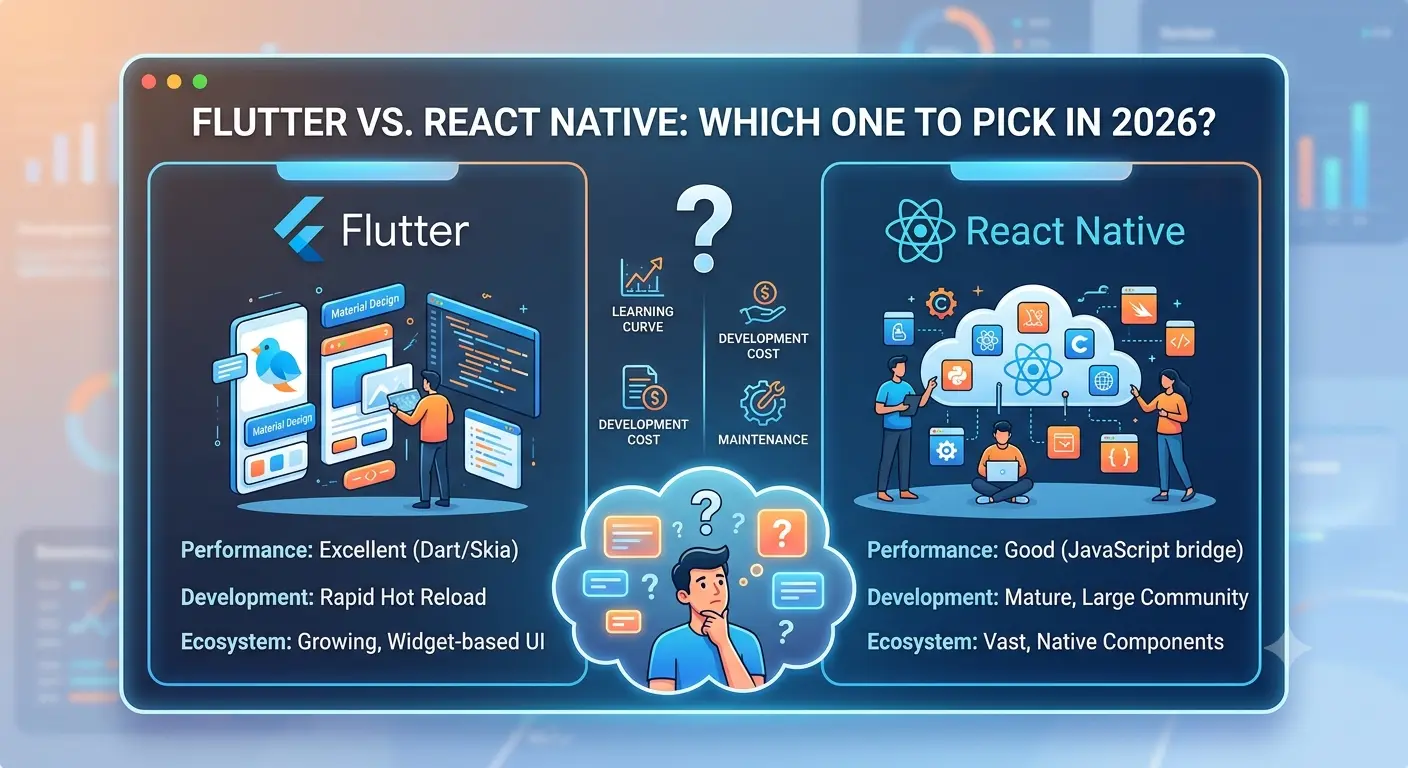
Choosing between Flutter and React Native is one of the most debated decisions in mobile app development today. Both frameworks allow you to build beautiful cross-platform apps — but they differ significantly in performance, ecosystem, learning curve, and long-term support. We compare them head-to-head to help you decide confidently.
Flutter vs React Native: Which One to Pick in 2026?
Abdul Haseeb — CFO June 12, 2026 7 min read
Choosing the right cross-platform mobile framework is one of the most important
technical decisions a startup or business can make. In 2026, the two dominant
choices remain Flutter and React Native — but which one is right for your project?
Performance Comparison
Flutter compiles directly to native ARM code, giving it a slight edge in raw
performance and smoother animations out of the box. React Native, especially
with its newer architecture (Fabric and TurboModules), has closed much of this
gap and now performs close to native for most business applications.
Development Speed & Team Availability
React Native uses JavaScript/TypeScript, meaning teams with web development
experience can transition into mobile development quickly. Flutter uses Dart,
which has a smaller developer pool but a highly consistent, single-codebase
experience across iOS and Android.
UI Flexibility
Flutter renders its own UI components pixel-by-pixel, giving developers precise
design control regardless of platform. React Native leans more on native
components, which can mean more platform-consistent look and feel but
occasionally less design flexibility.
Cost and Time to Market
For startups with tight budgets and timelines, React Native is often faster to
prototype with, especially if the team already has React/JavaScript experience.
Flutter, while requiring Dart expertise, often results in fewer platform-specific
bugs down the line.
Our Recommendation
There's no universal answer — the right choice depends on your team's existing
skills, your app's design complexity, and long-term maintenance plans. At
NativOdds, we evaluate each client's specific requirements before recommending
the right framework, ensuring you get a mobile app that's fast, reliable, and
built to scale.
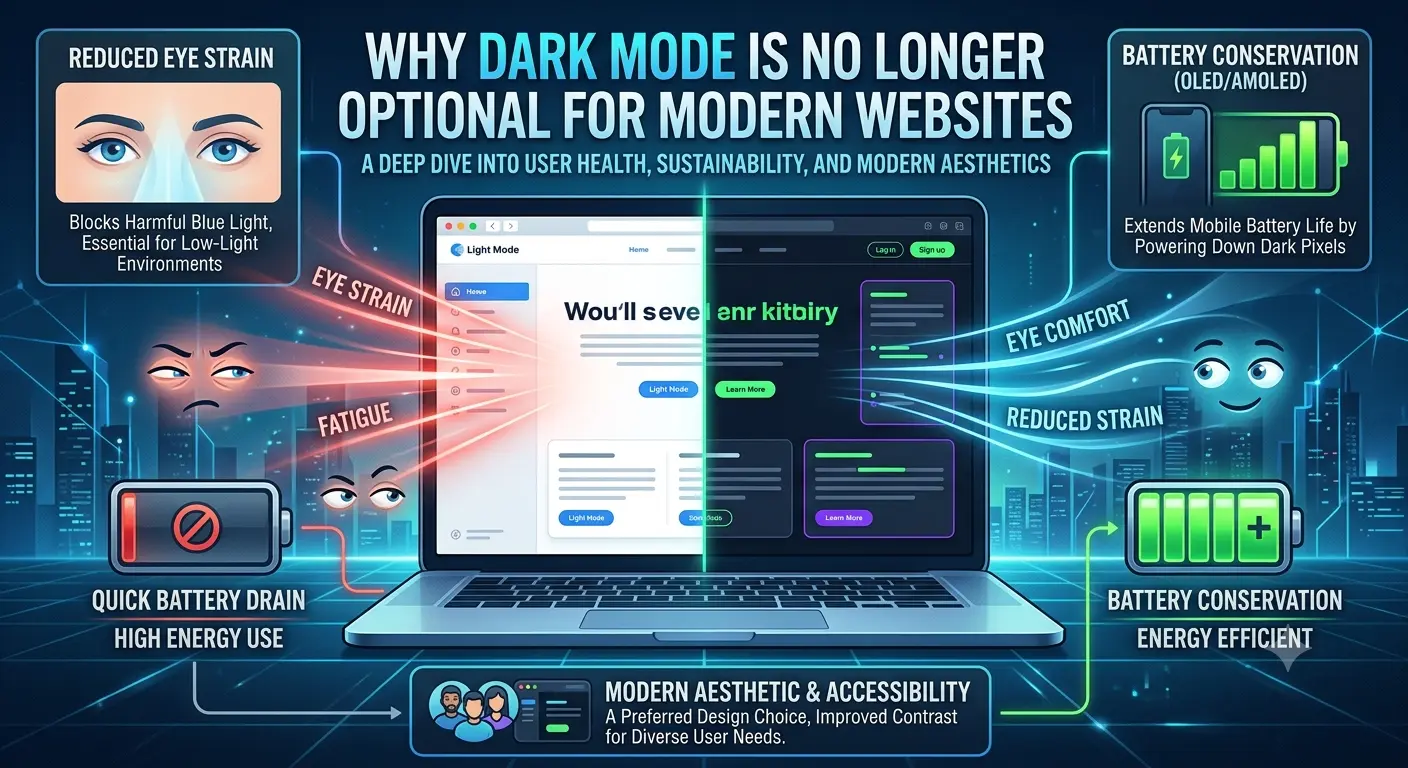
Over 80% of smartphone users now prefer dark mode for apps and websites, according to recent UX research. Yet many business websites still ignore this preference entirely — resulting in higher bounce rates and lower engagement. In this guide, we walk through exactly how to implement dark mode correctly and why skipping it may be costing you customers.
Why Dark Mode is No Longer Optional for Modern Websites
Yousuf — CEO June 9, 2026 4 min read
Dark mode has evolved from a trendy design option to an expected feature across
modern websites and applications. In 2026, users increasingly expect the choice
to switch between light and dark themes — and businesses that ignore this risk
appearing outdated.
Better UX in Low-Light Conditions
Dark mode reduces eye strain for users browsing at night or in low-light
environments, which has made it a preferred setting for a large percentage of
mobile and desktop users globally.
Battery Savings on OLED Screens
On devices with OLED or AMOLED displays (most modern smartphones), dark mode
can meaningfully reduce battery consumption since black pixels use less power —
a practical benefit users notice directly.
Improved Accessibility
For users with light sensitivity or certain visual impairments, dark mode isn't
just a preference — it's a necessity. Offering it demonstrates attention to
accessibility, which also positively affects SEO and compliance standards.
Modern Brand Perception
Websites without dark mode support can feel behind the curve. Offering a
well-designed dark theme signals that a business invests in modern, user-first
design — directly impacting trust and engagement.
Implementation Considerations
Dark mode isn't just inverting colors — it requires careful contrast ratios,
adjusted imagery, and thoughtful component design to maintain readability and
brand consistency. At NativOdds, we build dark mode support into our UI/UX
process from the start.
Want your website designed with a proper dark mode experience?